
Disney Lorcana · iOS & Android
Disney Lorcana Card Scanner Keep track of every copy.
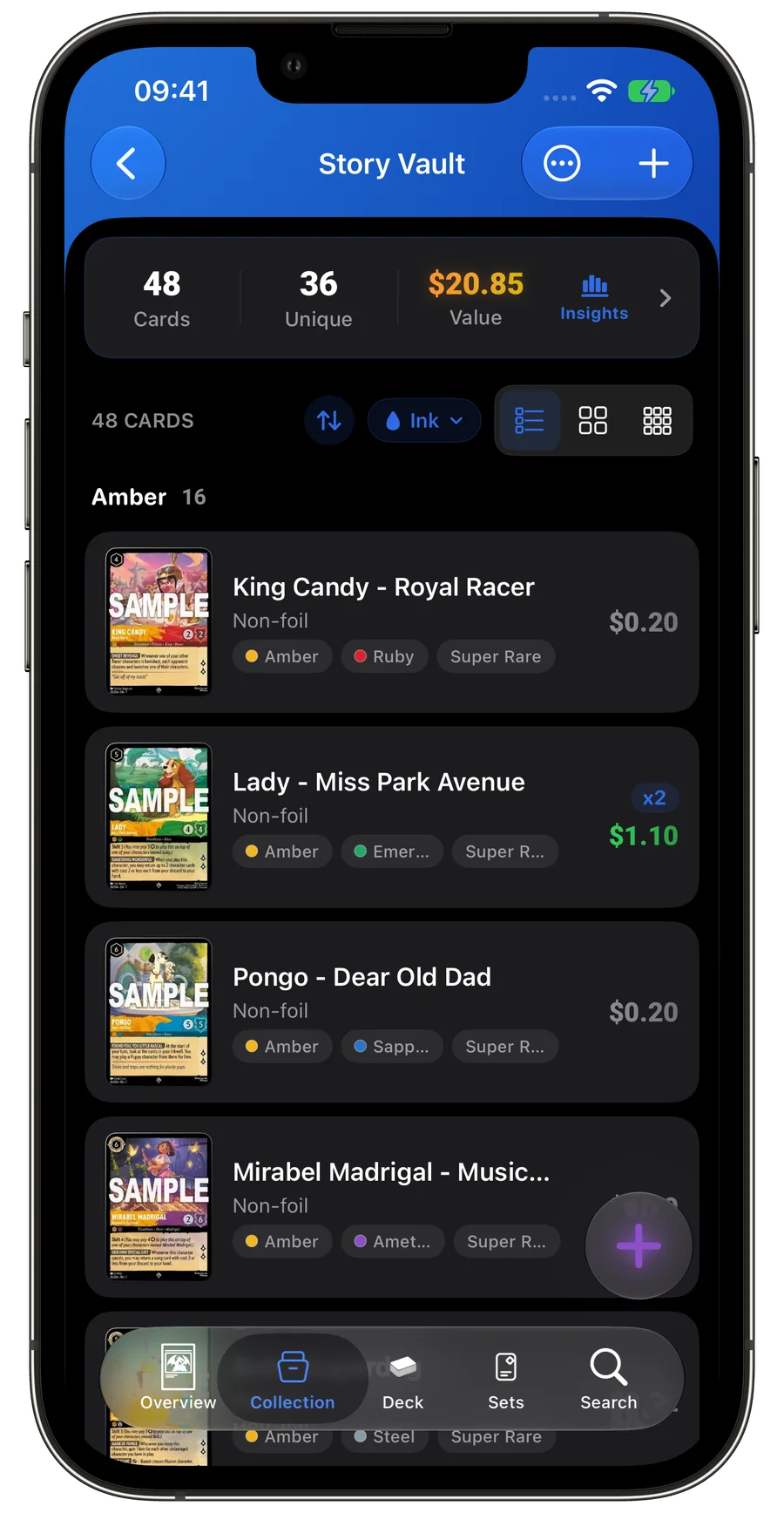
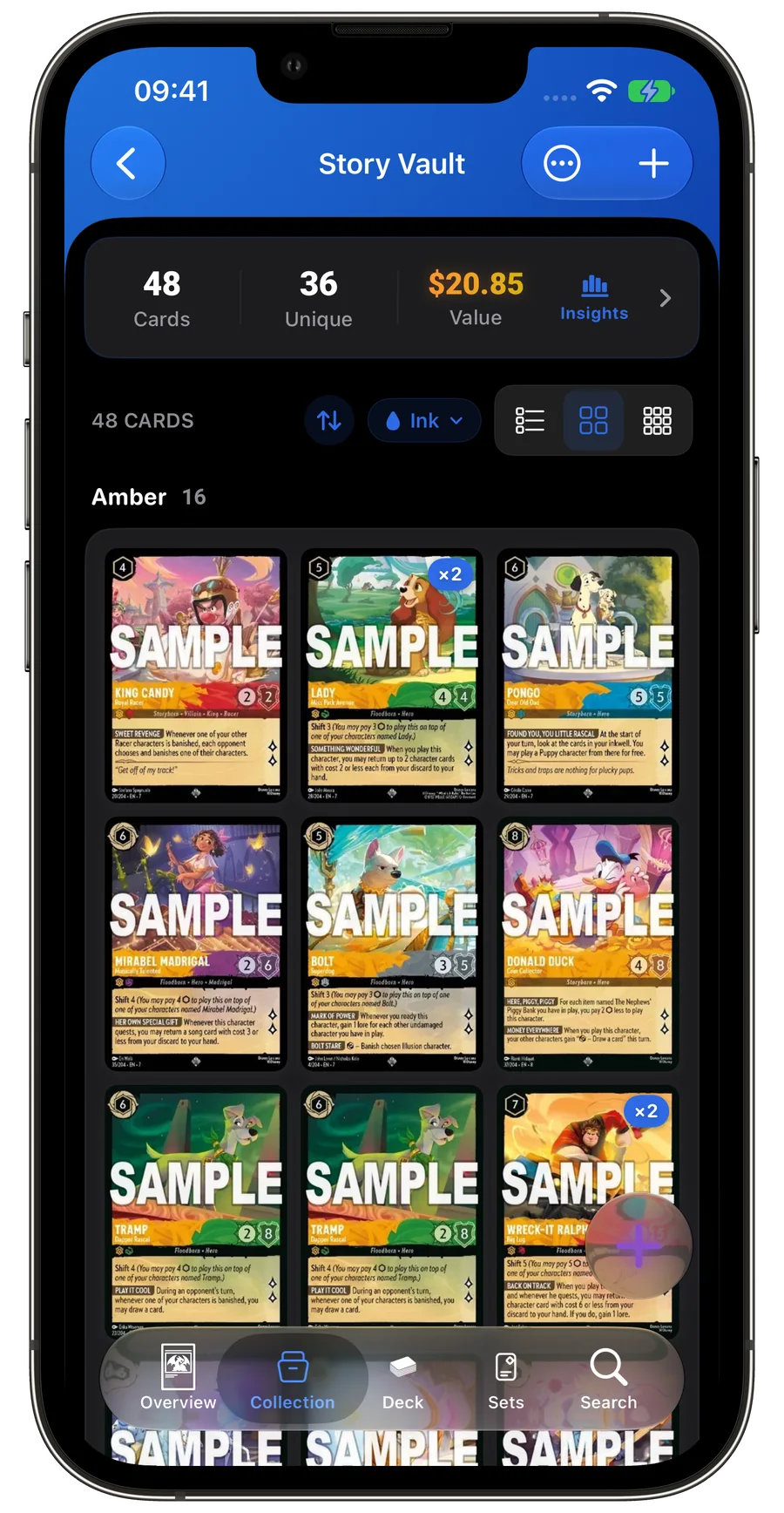
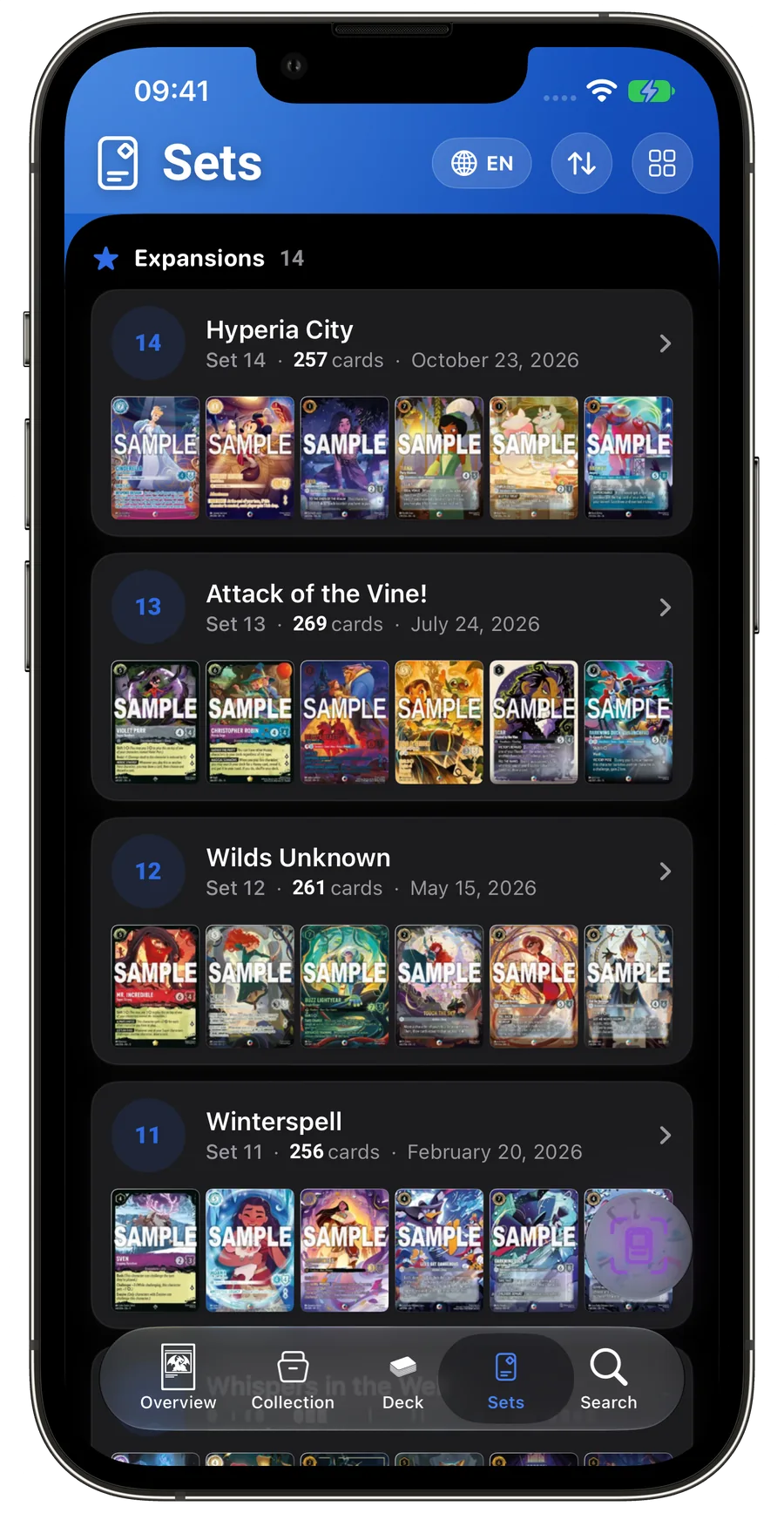
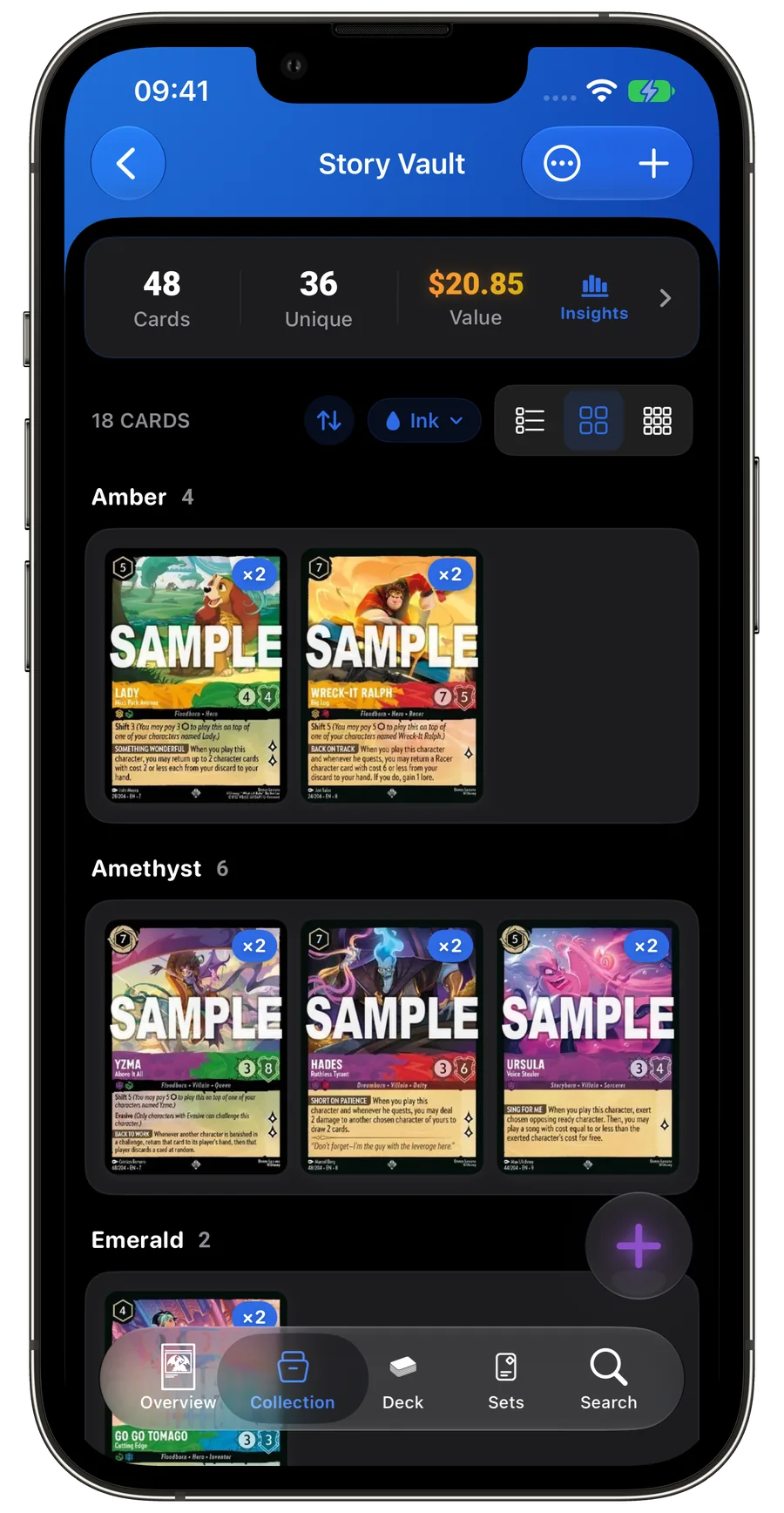
Scan a card, confirm the printing and finish, then add it to your collection. Browse cards, build decks and check available price estimates.

iOS · Android Disney Lorcana · iPhone & Android
- Set and card number
- Non-foil and foil
- Quantity and collection
Scan cards and keep your collection in order
Identify the printing, record the copies you own and find what is still missing.
LanaKit FAQ
Can I scan Disney Lorcana cards?
Point your camera at a Lorcana card, review the match and add the correct printing to your collection. Confirm the result before adding it. Scanning does not authenticate a physical card or assess its condition.
Can LanaKit identify the exact Lorcana card?
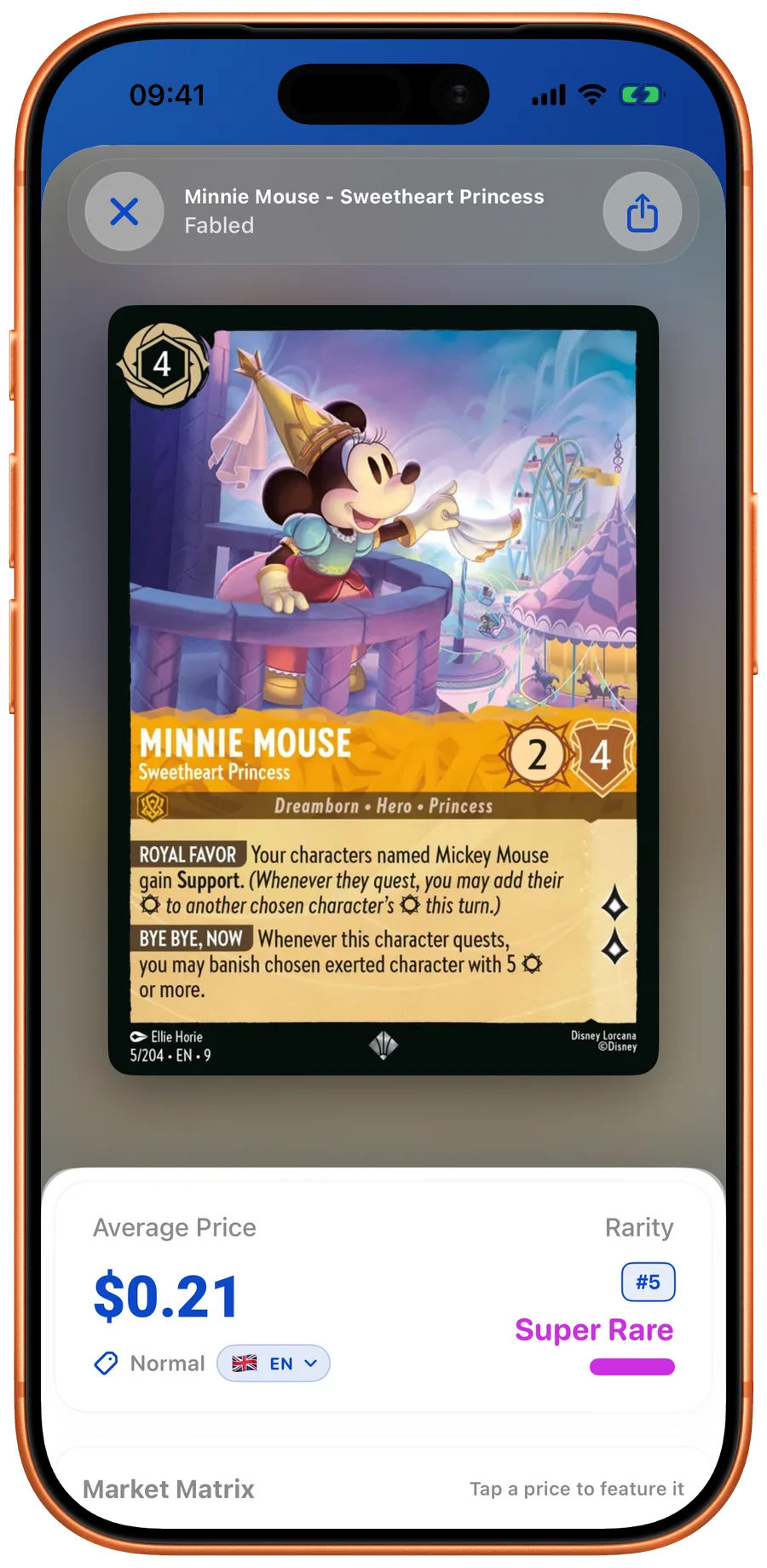
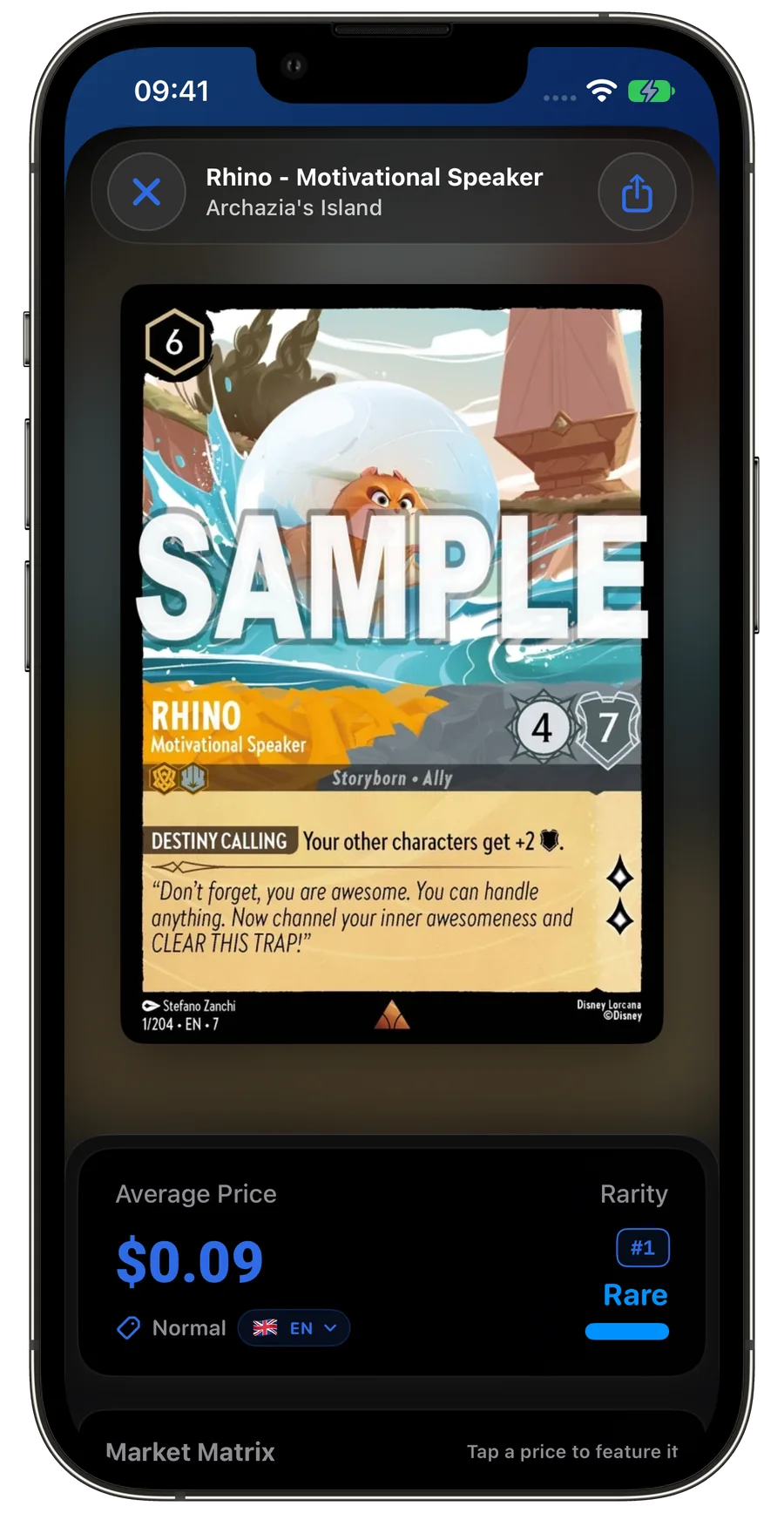
Find a card and compare its name, set, number and finish before saving your copy. Confirm the result before adding it. Scanning does not authenticate a physical card or assess its condition.
Can I track my Lorcana collection value?
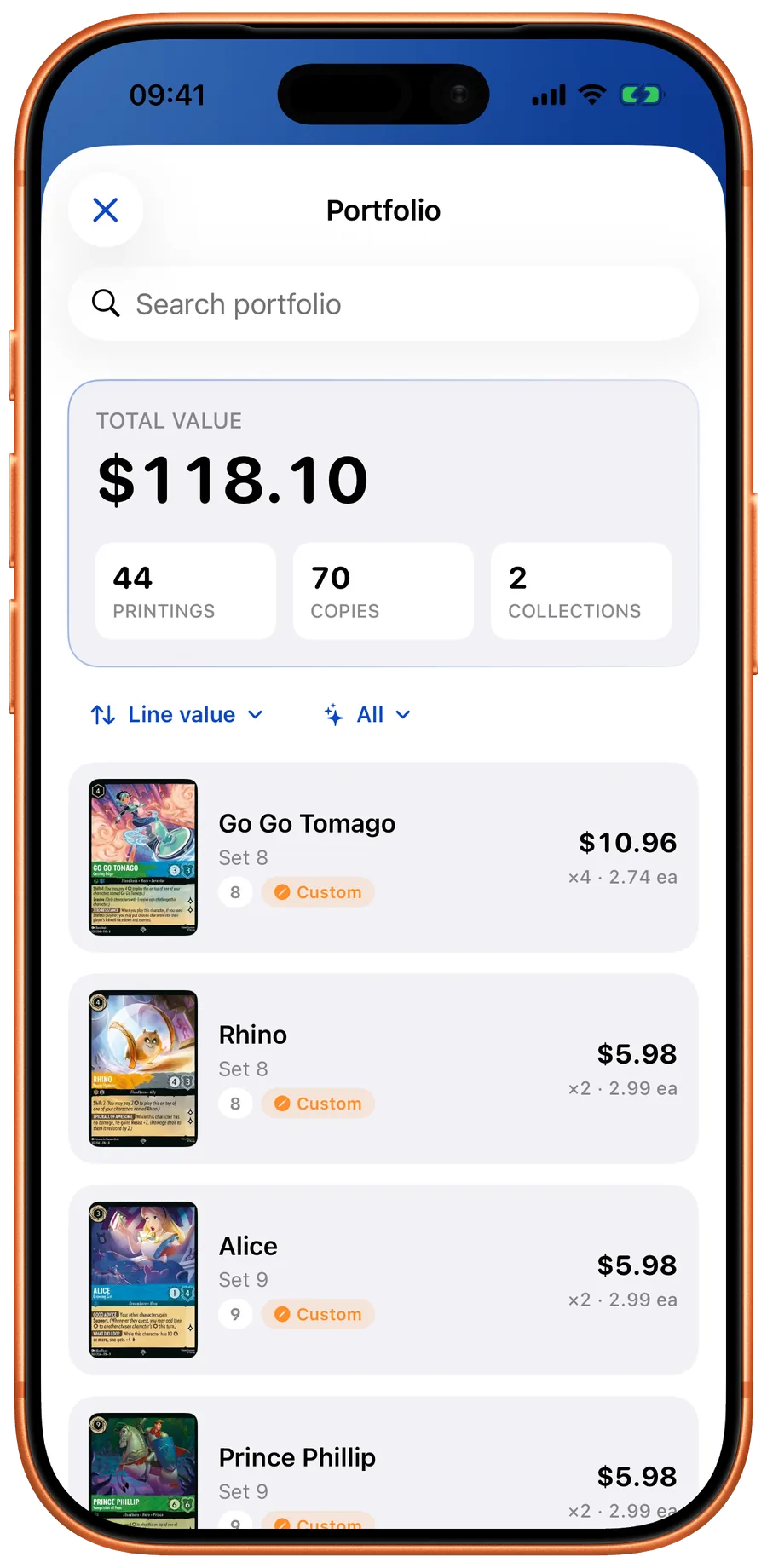
See which cards contribute to your collection’s estimated value. Check quantities, finishes and missing prices. Prices are estimates for the selected currency and finish. Missing quotes remain unavailable. Check the displayed price date.
Can I check Lorcana card prices?
Look up a printing’s estimated value. Check its finish, currency, availability and price date. Prices are estimates for the selected currency and finish. Missing quotes remain unavailable. Check the displayed price date.
How do I build a Lorcana deck?
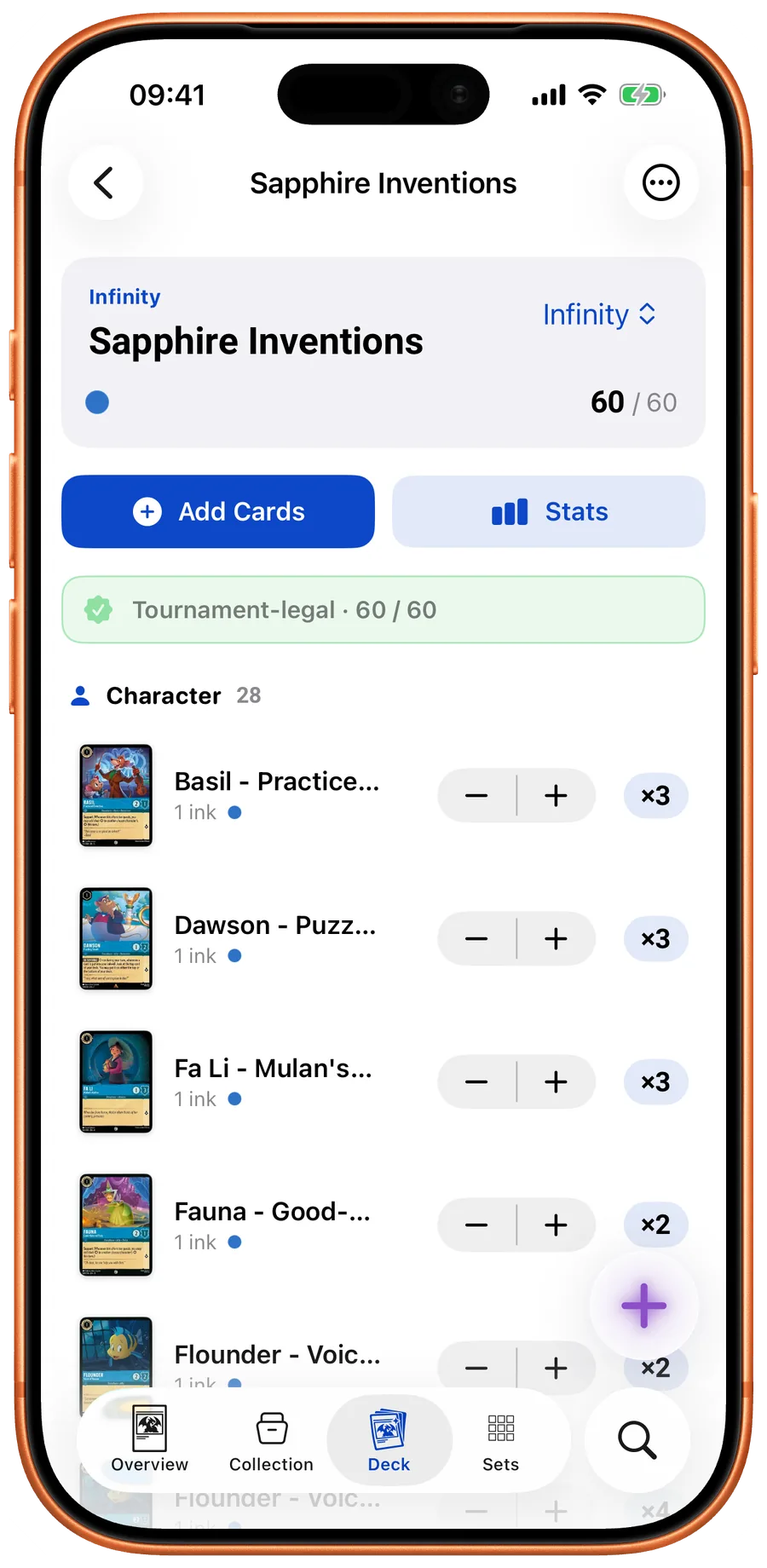
Build a deck with card quantities and inks in view. Review construction checks before sharing your list. The deck editor helps you review a list. Check the current official rules and event format before a tournament.
Can I share or export a decklist?
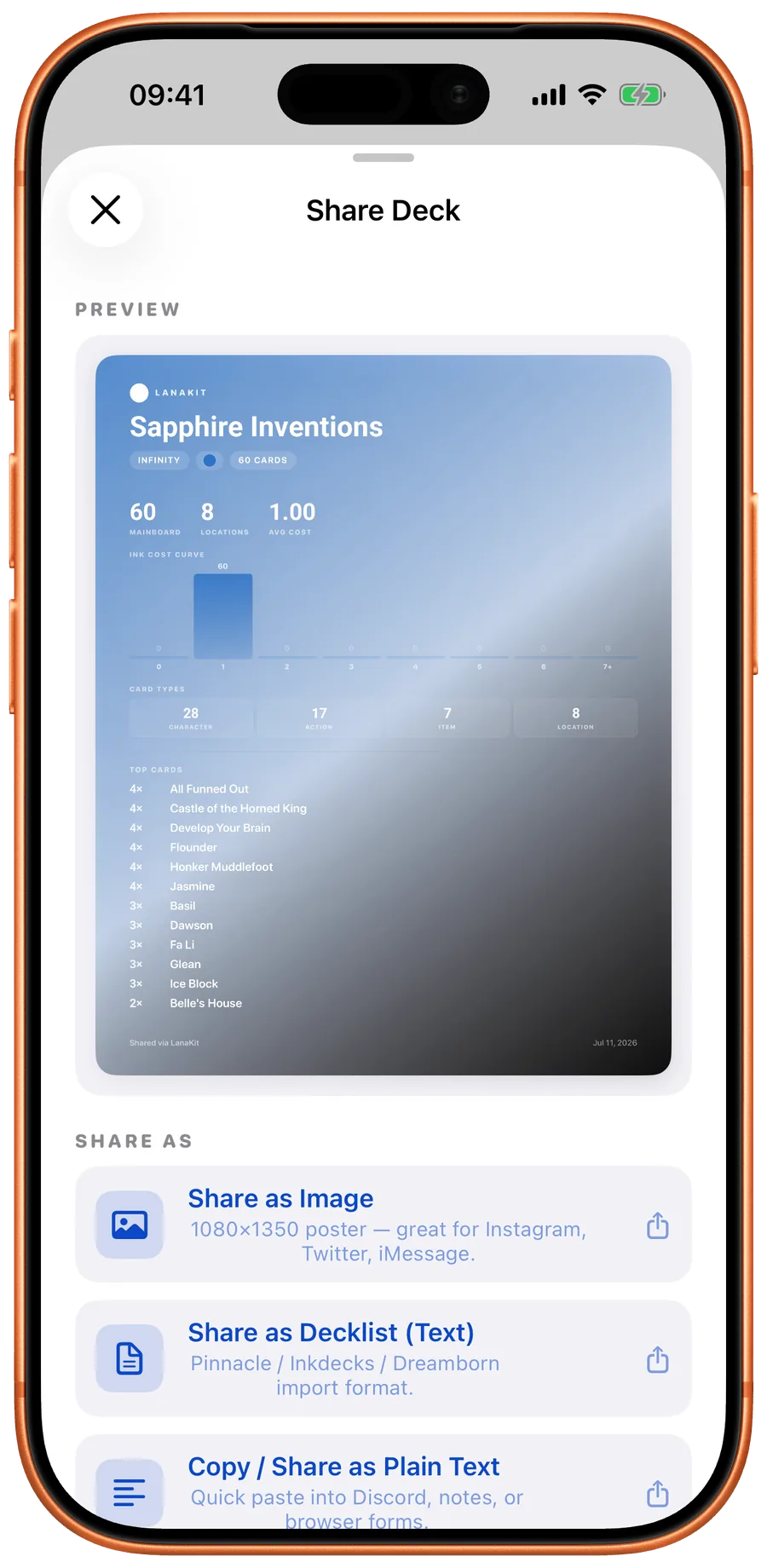
Create a static deck poster or export a decklist. Choose the format available on your platform. iOS deck sharing requires Pro and offers a static poster, a text file and plain text. Android offers a static poster, TXT and JSON without a Pro gate. Check the output before sending.
Where do scanned cards go after a session?
Return to saved scans, inspect the matching cards and decide which copies to keep in your collection. History shows saved scans. Android history export requires Pro. Review matches before adding them to your collections.
Can I change a card variant or finish?
Find a card and compare its name, set, number and finish before saving your copy. Confirm the result before adding it. Scanning does not authenticate a physical card or assess its condition.
Does LanaKit work offline?
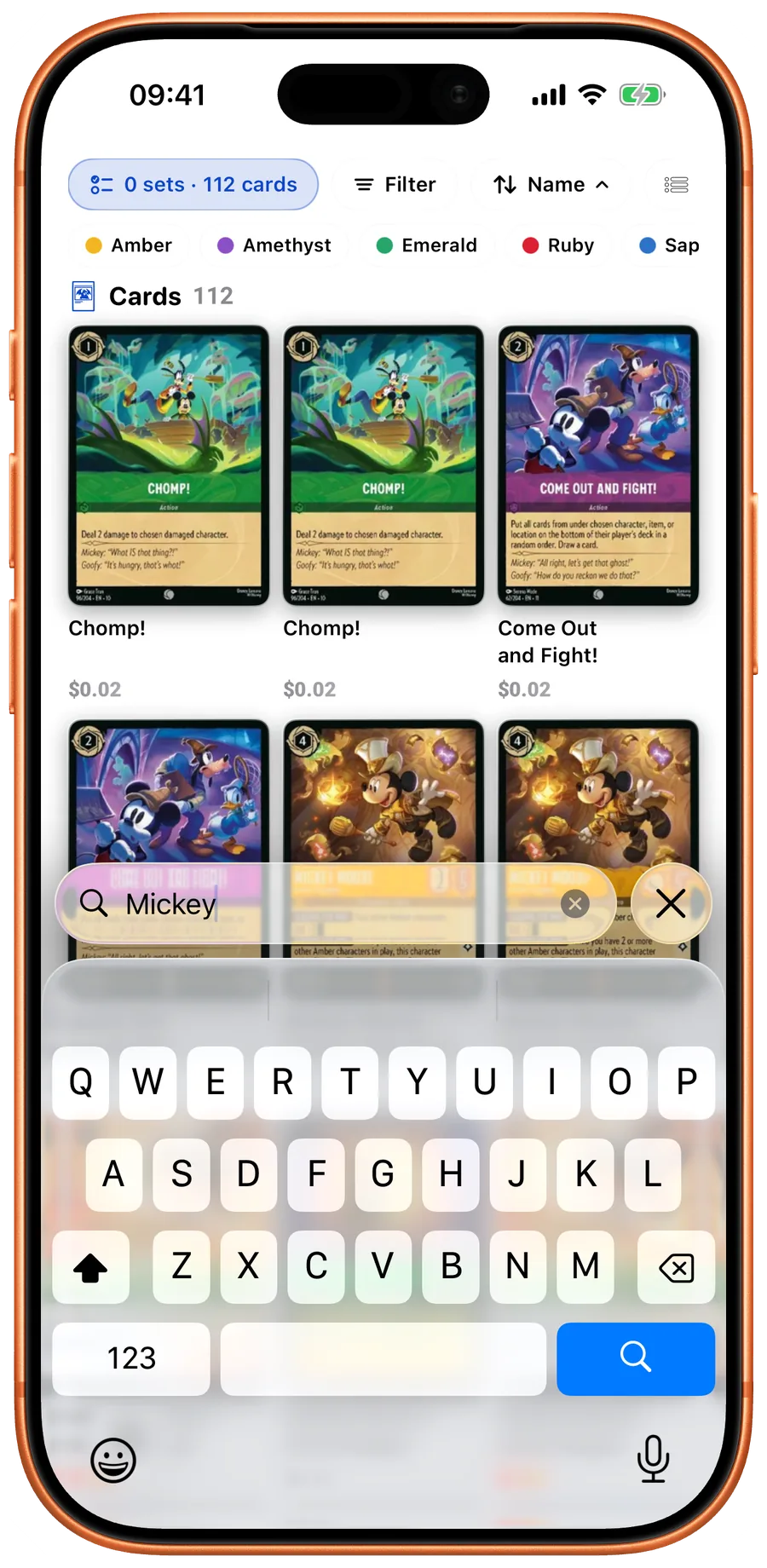
Browse Lorcana cards, sets, artwork and printing details. Download the catalog for offline browsing. Download the catalog before using it offline. New data and updated prices require a connection.
LanaKit Keep track of every copy.
Scan a card, confirm the printing and finish, then add it to your collection. Browse cards, build decks and check available price estimates.

App Store · Google Play
- Set and card number
- Non-foil and foil
- Quantity and collection